
The most important idea of this whole course is programming. A program is defined as a set of intructions. HTML (HyperText Markup Language) is the language used to create webpages on the internet. JavaScript is learned after knowing the basics of HTML.
Terminology of the Internet
WWW
web browser
HTML
http
jpg
gif
URL
HTML - Hypertext Markup Language
A webpage is practically a text or notepad document that contains the information for the web browser. The information contains tags which shows the insructions to the browser.
Tag - basics
Tags-> are < & > they start with < and end with >.
the information inside the tag determines the indtructions for the browser.
Most tags have a start and end. the difference between start and end is the end tag has a slash
Text inside the tag is case insensitive.
"< HTML >"
"< / HTML >"
--used to mark the mark the beginning and the end of an HTML document
Head & Body
All HTML document have two parts - head and body.
Head - information needed at the start - defines "thing" (more latter!).
Body - information for the main part of the web page - text and graphics.
Head
"< head >"
"< / head >"
Include the title of the HTML document, which appears in title bar of the web browser,
using: "< title >" "< title >"
Include comments about who created document when, purpose, etc.,
"< !-- -- >"


Head & Body
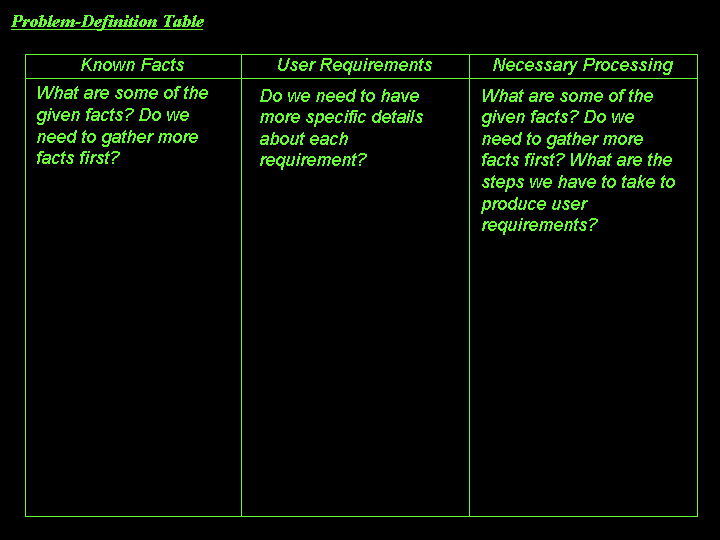
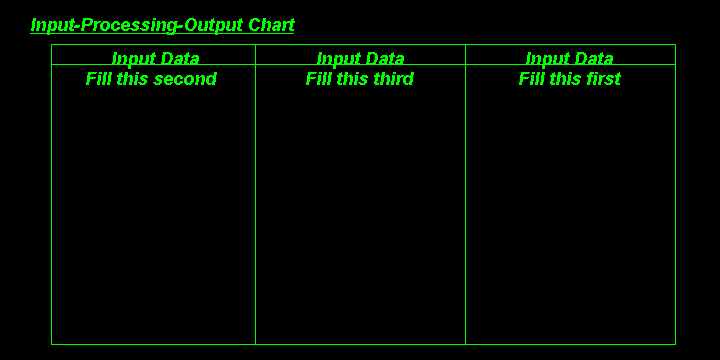
Also, in this unit we learned how to analyse and design a Problem-Defenition Table, Input-Processing-Output Chart, Pseudo Code and last but no least the Flowchart.
Below there is an example of these:
EXAMPLES:
Pseudo Code
Step-by-step English explanation of how to solve the problem.

