STEP 1:
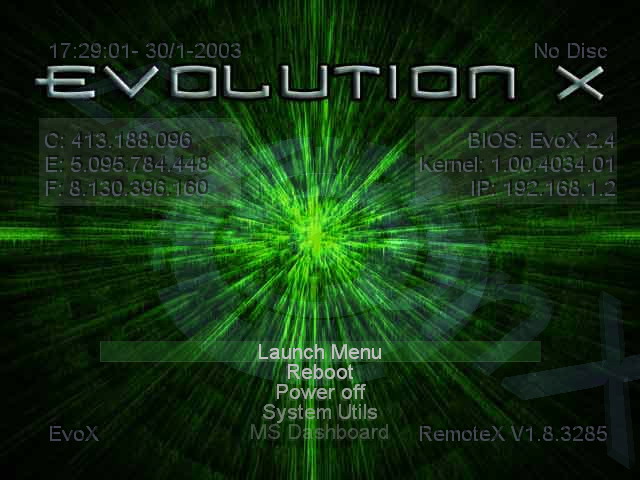
Turn your XBOX on and make sure you're in the main Evolution-X screen (either from a boot CD or from the XBOX hard disk itself). I was unable to FTP into my XBOX if I started any apps or games.
STEP 2:
Insert your game into the XBOX and let it read. When it's ready, you'll see “GAME” at the top-right hand corner of the Evolution-X menu screen.
STEP 3:
Open up FlashFXP and connect to your XBOX (User - Pass = xbox - xbox)
STEP 4:
Access the “D” drive (your Xbox's DVD rom), select all the files and copy the contents to your computer by “RIGHT-CLICKING” on your selection and choosing TRANSFER or TRANSFER AS, CHOOSE FOLDER. Be sure you have the some space free. Most of the games are around 3Gb but some (Metal Gear Solid) are bigger!
Next Page : 4 |

