


Topic: Technical
One common misunderstanding about the whole PODcasting scenario is that you need to have "iTunes" to recieve them. There are many good recievers to catch PODcasts with, of which "iTunes" would be on the last of my list (unless you are using it to transfer to your 'iPod player' after you downloaded the sermons, you would have to use "iTunes" to interface with your iPod, all other MP3 players are easier to use and more compatible with other kinds of software)
These software programs are free to catch PODcasts: Use"JUICE" or "GPODDER" or "iTunes"
NOW as far as the BLOG RSS Feed goes, you can't subscribe or recieve updates when something is published by using "iTunes, Juice or Gpodder" you need to use a regular RSS reader! There are many available for free!!! THE BEST WAY TO SOLVE ANY ISSUES OF WHICH DO I NEED TO USE IS MADE EASY DEPENDING ON WHICH INTERNET BROWSER YOU USE!!!! Google Chrome, Firefox, Opera, Netscape, (and maybe Internet Explorer) make it easy by rolling it up into one to get PODcasts or News Feeds, just by the use of your browser!!!! no extra software to bog down your computer!!!!!
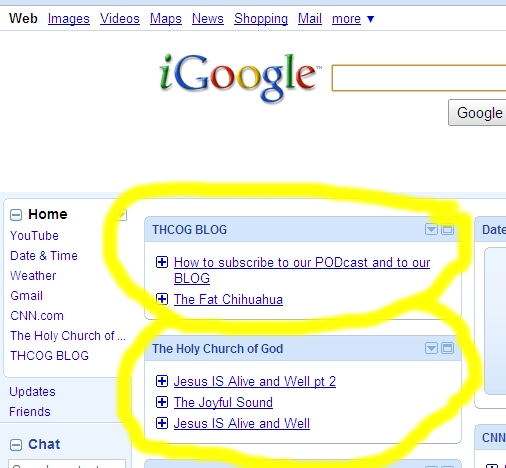
I generally only use Google Chrome (igoogle) or firefox! But I test out our Feeds through all the others just to make sure it works!!!
BLOG RSS feed is made easy by clicking the link on our Blog page "Rss Feed" and IF you're using one of those browsers it automatically brings up whether or not if you want to subscribe to it!!!!
PODcast Feeds(for Audio Sermons are:)

Updated: Friday, 20 August 2010 7:54 AM EDT
Post Comment | Permalink | Share This Post