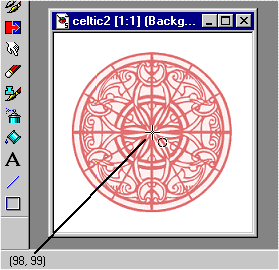
- Numbers to use in measuring your images are always at the bottom left of the PSP window.
- The second set of numbers shows where you are releasing your copied image.
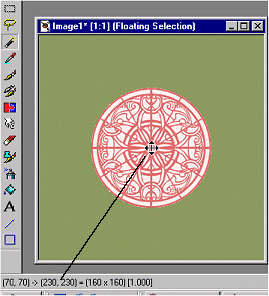
To come up with your own measurements, take the center of the new image, in this case, since it's 300x300, the center would be 150,150. Add the radius of the circle you chose; in this case 80, which is 1/2 of 160, the diameter we used for the circle; note that 160,160 is the first set of numbers after the equal sign - these are your measurements for the image itself. 150+80=130. As this is a circle, eg the measurements are the same for both height and width, both numbers will be the same.
-
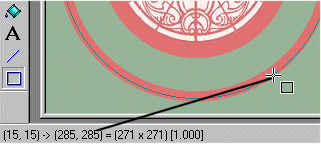
Same as #2 above, but the second ring has a different release point.
Back to DecoPlates.


