Sam's Angelfire Site
Woohoo!
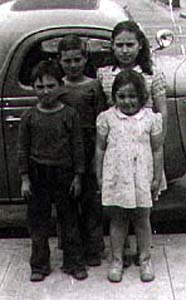
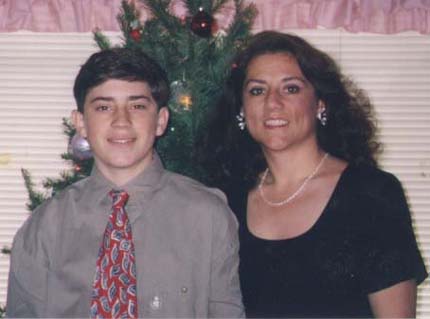
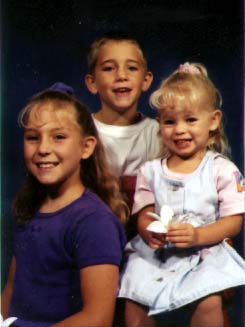
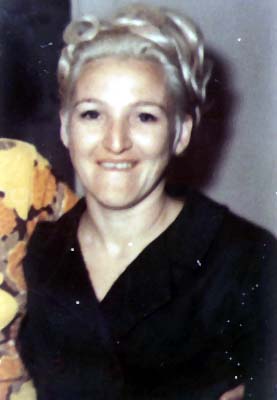
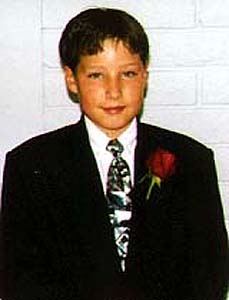
Hi there Dixie! To download these pictures all you have to do is
right-click with your mouse on the picture you want to save. A dialog box will pop up. Click Save image as, and then choose the directory where you want the file saved at. Click Save, and you've got the picture. AT THE BOTTOM OF THE PAGE, THERE IS A LINK TO THE SECOND PAGE- IT SAYS "GO TO PAGE TWO". Click on it to go the the second page of images. There will be a link at the bottom of page two to get you to page three, and a link at page three to get you to page four, the last page.

Go to Page Two ->

Email: sambash@getnet.com

