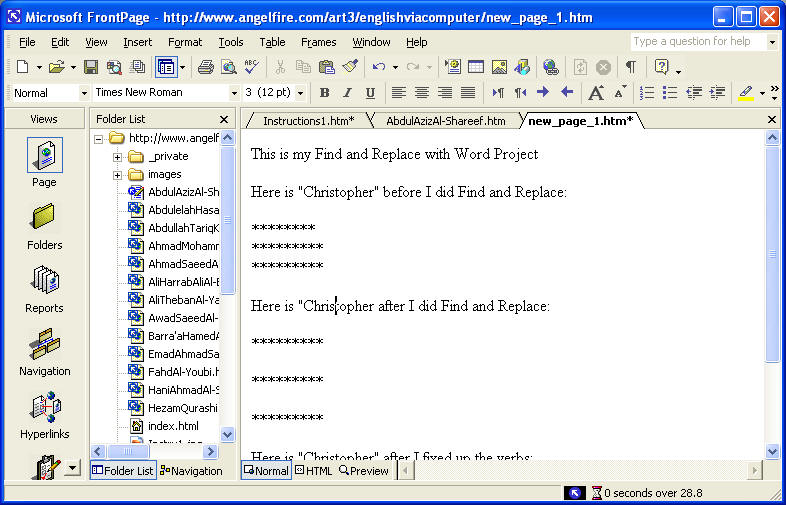
Lab work for Wednesday, December 7 and Wednesday December 14 classes to do at the internet café or at home: Putting in your name and resume in your home page at https://www.angelfire.com/art3/englishviacomputer, and pasting in your Find and Replace with Word work with “Christopher”
Fixing up your Home page (due by December 7)
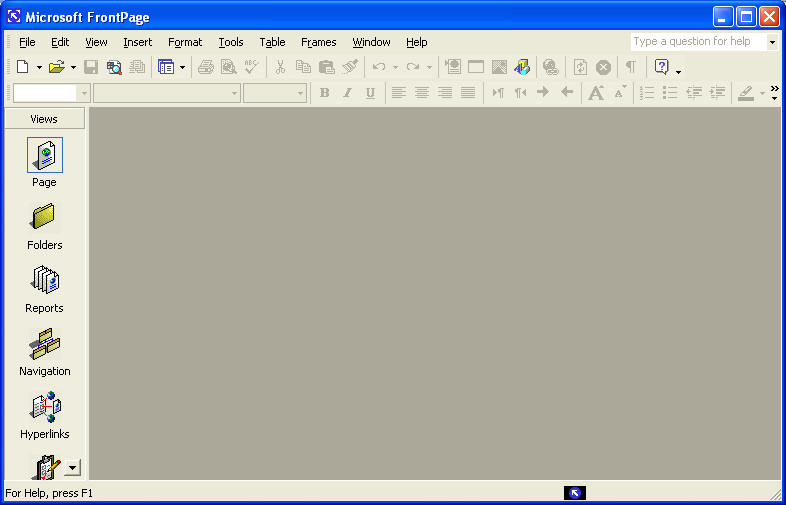
To open your site with Microsoft FrontPage, do the following:
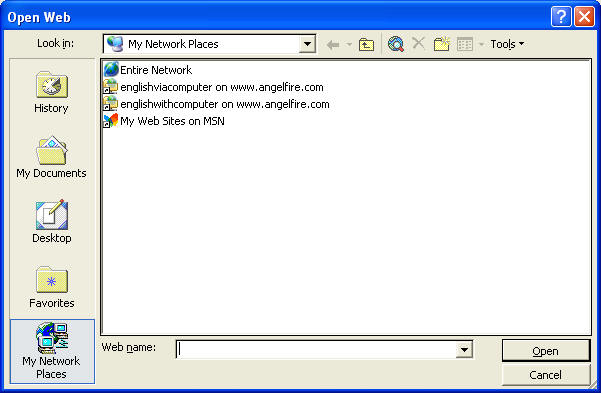
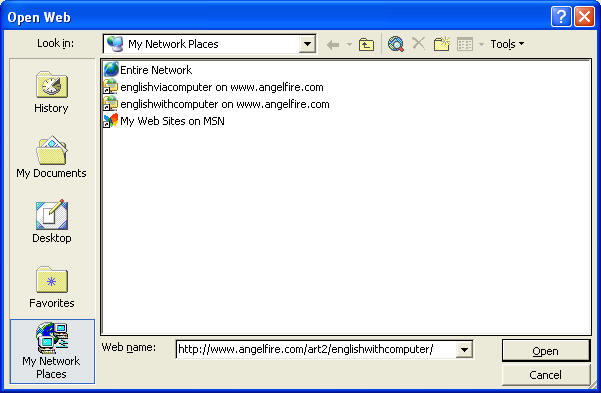
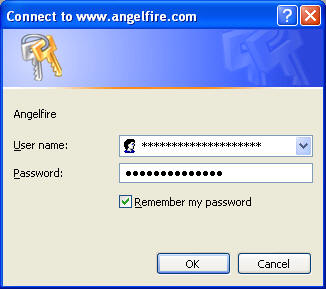
This will take you to a list of folders for the site. Click on the index.html icon-folder.
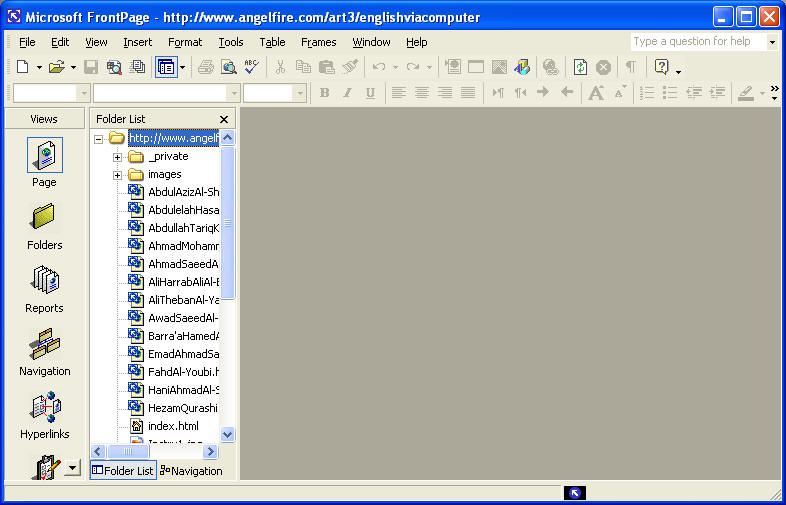
To go to your personal home page for the class, find your name and point the mouse arrow to it and press Ctrl + click (the mouse).
i. Type in the name you want to call the link and select it.
ii. In the Insert menu, go to “insert hyperlink”
iii. Type in the complete URL of the site(e.g. http://www.yahoo.com or http://www.google.com )
Remember: I have given you the password; so you could really do damage to the site. You must promise to work on your named home page and on nothing else in art3/englishviacomputer.
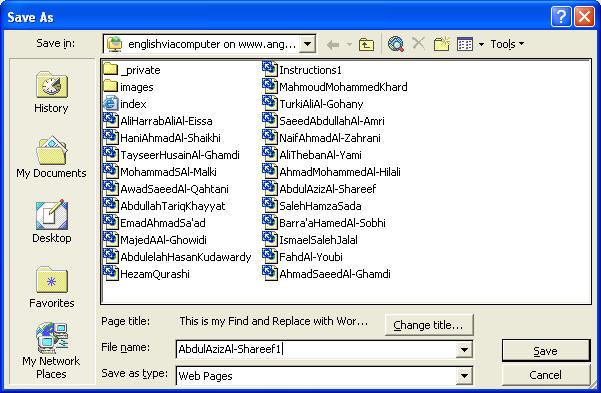
Today’s project, The Word Project, can be made at home or in lab but you have to go to internet café to put it on your home page and make a link to project 1 in your home page(due in one or two weeks)
Project 1: 1. When you are at your page in Front Page and on the internet, click on the white page icon in the upper left corner.
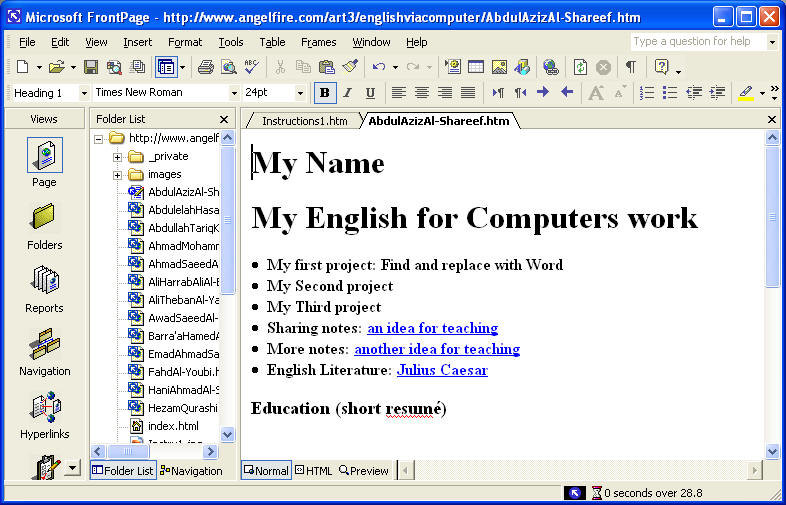
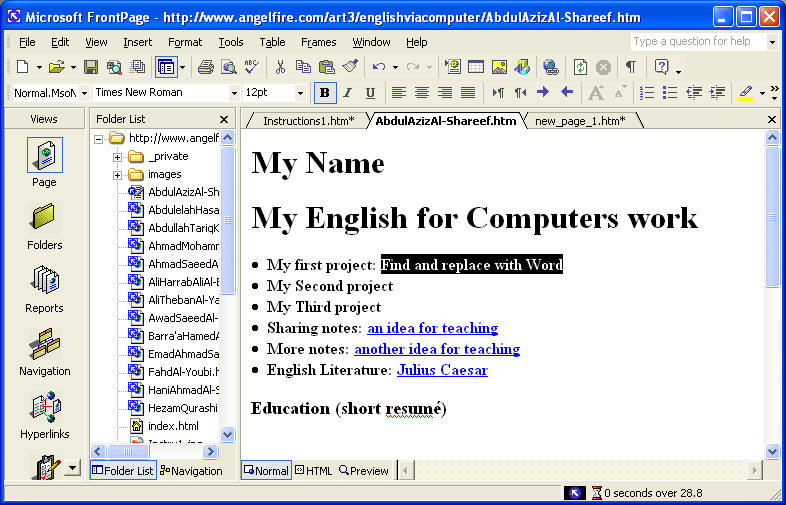
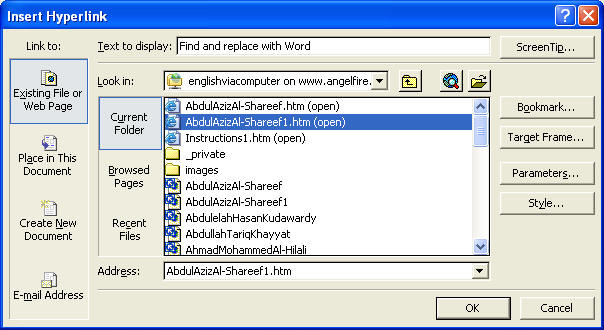
· My first project: Find and replace with Word
· My Second project
· My Third project
· Sharing notes: an idea for teaching
· More notes: another idea for teaching
· English Literature: Julius Caesar
Last updated on Tuesday, March 22, 2005
This is a personal home page and does not represent the opinions of Jeddah Teachers' College
Return to the My Home page top of page.
Return to the class home page