Here is a comp set I made with this effect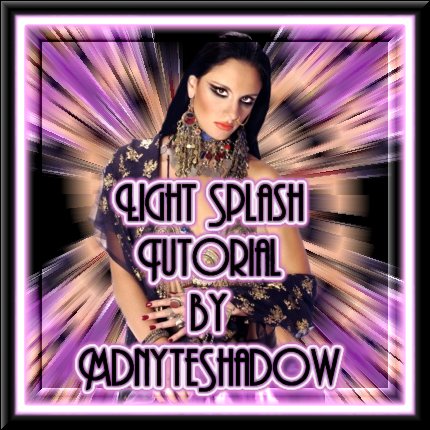
Light Splash background Tutorial©
by MdnyteShadow@aol.com
For this tutorial you will need
PSP 7
Filters Unlimited 2.0
VM Natural plug in
Find the tube of your choice to use.
I prefer to use a black background becouse it makes the colors stand out more but you can use white if you want.
Open a new image 600 x 600 (black or white)
*I like to work big then resize later*
Copy your tube and paste it onto the new image. (you may need to resize to make it fit)
Layers, merge all flatten
Go to filters Unlimited 2.0
Go down to tile & Mirror
Choose the kaleidoscope 2 option
Click on apply
Now go to VM natural plug in
Choose the Splash option
Click ok
Paste your tube again onto the image.
Thats it! You can add borders, frame or whatever you want to create your tag!