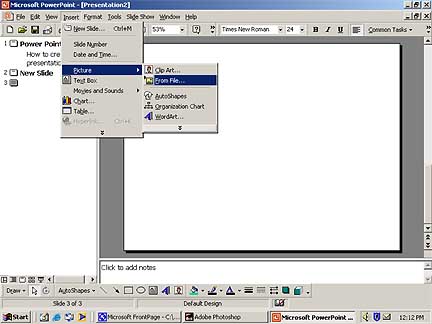
Inserting Clip Art and Pictures
2. Click Insert Clip Art, and then click the Click Art or Pictures tab.
3. Click the category you want, and then double-click the image.
1. Place your mouse over the web image you want in your presentation. Right Click the Mouse Button and pull down to copy or save the image.
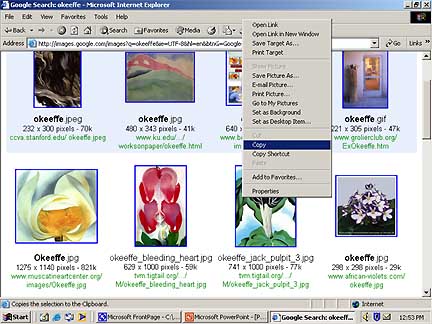
2. Click Back on your Power Point Program from the Tool Bar at the bottom of your screen.
3. Pull Down Edit from the Tool Bar at the top of your screen to Paste.
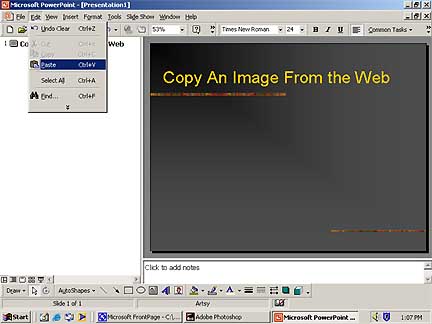
4. If you are on your own computer saving it in
my documents is a good choice or saving the image on a floppy disk. Then follow
steps 1 & 2 to insert clipart or file given on the top of this page.