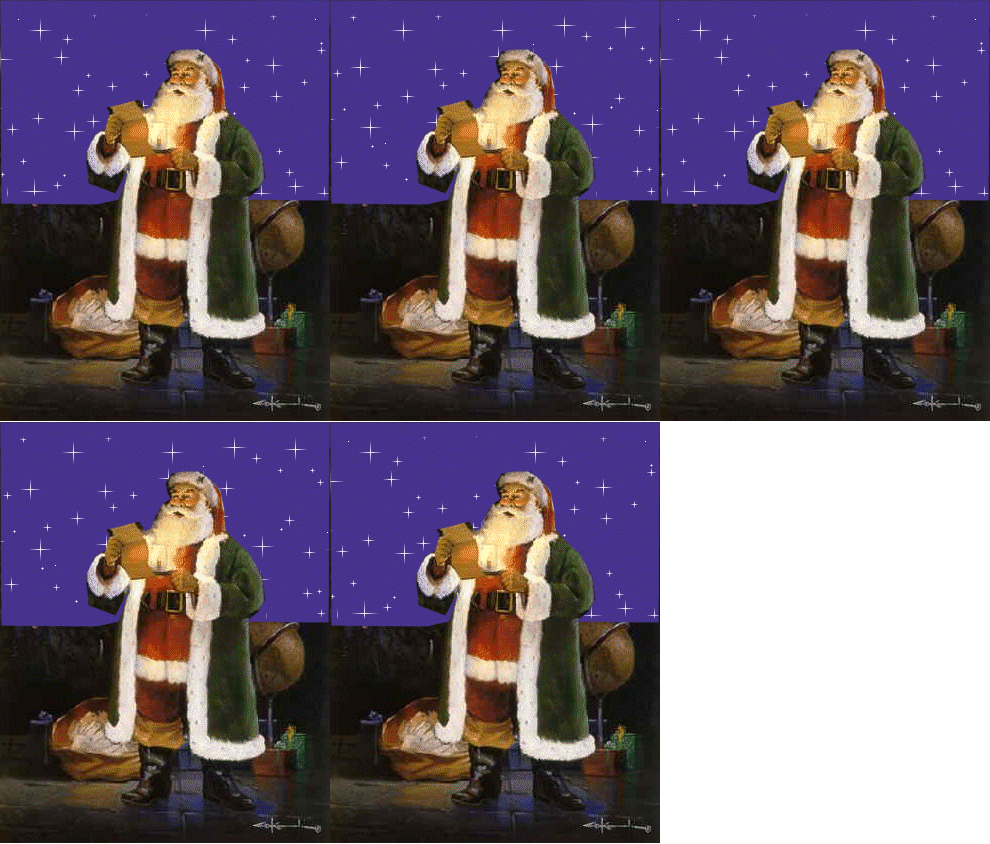
I have several request for this to be made into a tut...I put it here
for safe keeping never thinking anyone would want it...well I guess I had
better get busy...The singing is Perry Como
, but you can use whatever music you wish
There is no text to be made...I did not put my name on , only a water
mark
This is very easy to make so enjoy
Written by
©Dorothy
July 19/2004 Created Dec/2003 Ok, all said...let's sing along
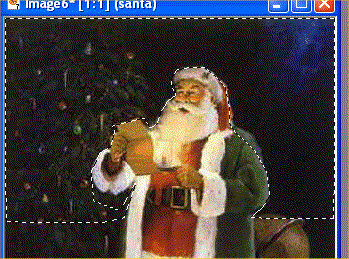
Open the template in PSP
Close off all layers except Santa
Drag layer 2 down on top of santa to judge where to cut him out...
cut above the sky layer so there is no gap between santa layer and sky layer
What I did was draw a line across the sky with my
lasso tool and then closed off the sky layer
and clicked on santa layer an preceeded to cut with my lasso
tool... set at point to point...hit delete...select none
The rest is simple...just duplicate and drag...
1)Drag down to bottom.....background.... Duplicate and drag down1....santa...
layers>merge...close off and re name
2) Drag down to bottom....background 2....Duplicate and drag down...santa...
layers>merge...close off and re name
3)Drag downto bottom....background 3....Duplicate and drag down...santa...
layers>merge...close off and re name
4)Drag down to bottom....background 4....Duplicate and drag down...santa...
layers>merge...close off and re name
OK, now let's make him light up...close off all layers except the
top...lasso around his beard where the yellow light is...open
layer 5....click on floating selection
layer to highlight...click on >color>
adjust color and brightness...set the brightness at 2...do not change
the contrast...leave it at 0...close off layer 5
Open layer 4...click on
the floating selection layer and change the brightness to 4...
close off layer 4
Open layer 3...click on
the floating selection layer and change the brightness to 6...close off layer 3
Open layer 2...click on
the floating selection layer and change the brightness to 8...close off layer 2
Open layer 1..click on
the floating selection layer and change the brightness to 10
If you have a better way of making the beard light up, pleas share it...I don't know too much about brightness and color
adjustments
Open all layers and save as
Just open in AS to see the aniimations
Open the music notes and select all...copy...click on santa...select all...paste into selected frames...as many times as you like music notes...not too many though...takes away the quality of the picture
I hope you enjoyed doing my tut...now to hear him
sing you will have to go to your web page and if you have a web
page you will know how to add the background and the music
MERRY CHRISTMAS!
|