
StreetSoundz Helix Producer Audio Encoding Tutorial
I don't have a download link for Helix, but you can probably get it off Kazaa.
Download Kazaa Lite here: http://doa2.host.sk/ (or look it up on Google lazy bastards..)
I have: Helix Producer Plus 9.0 - Build Number: 9.0.0.972 which could be outdated by now, but this tutorial should still work for future releases.
-------
Prior to encoding files, you should logically have files ready to be encoded. Either you have already previously ripped them from a CD to .wav. Or you have the .mp3 already downloaded.
1) Open Helix Producer.
2) Click on 'Browse' and select the file you want to encode. (.wav or .mp3 usually)
Make sure your filename doesn't have the ampersand ('&') character in it, or it won't encode. Just rename the file if it has an '&'.
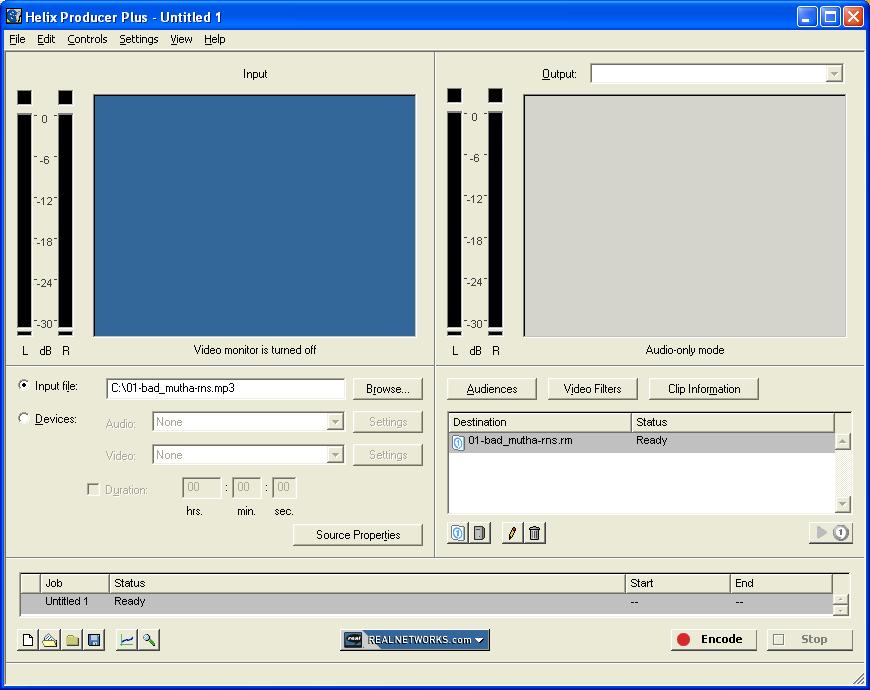
3) Click on 'Audiences' and choose the settings displayed below. (video settings don't really matter cuz we're strictly dealing with audio)
Select '56k Dial-up' on the left and click on the arrow to stick it on the right. Double click on it. (Right panel)
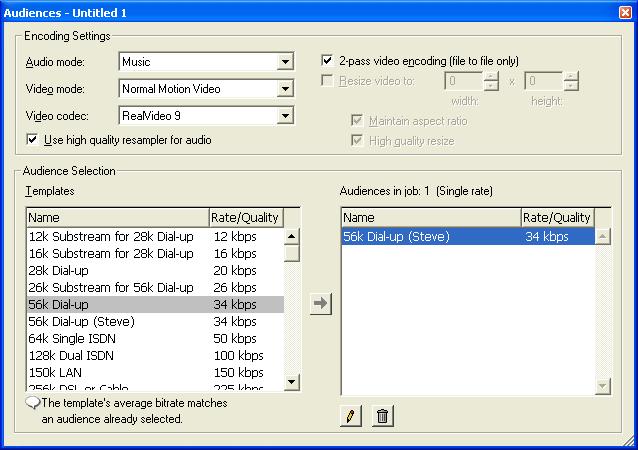
4) You can change the audience name if you want like in my example.
Change the settings for 'Audio Only Encoding'. Here again, we dont care for video. Save your template and click OKs until you go back to the main screen.

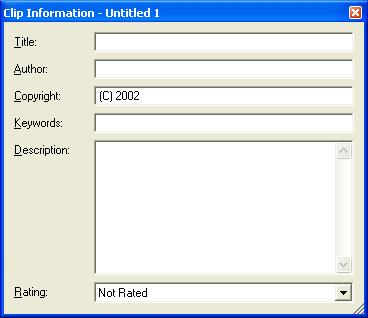
5) You can fill in the clip info for each track if you want, but I dont bother cuz it's long and painful... =(
6) Click on the blank page icon on the bottom left corner of the screen to encode another file. Hit 'Browse' again and select another track. The audio settings of the previous file should automatically transfer to your new file. (ie. you don't have to change anything. But you can always make sure by clicking on audience and check for yourself)
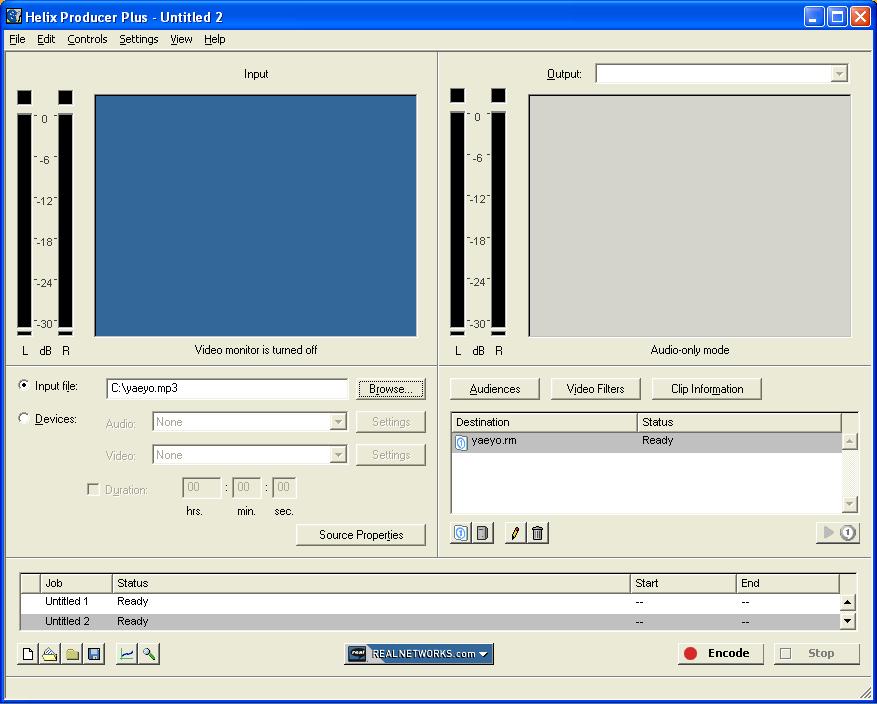
7) Repeat as many times as needed and when you're done, use the bottom right corner arrows to go back to your first file ('Untitled 1' in my case) Click on 'Untitled 1' and hold down the 'shift' key on your keyboard. Still holding down the shift key, click on the bottom arrow to go to your last file (for example 'Untitled 15') and click on it. All your files should now be highlighted and you can start encoding by cliking on the 'Encode' button. (Since I only had two files, I didnt have to use the arrows if you noticed. =P )
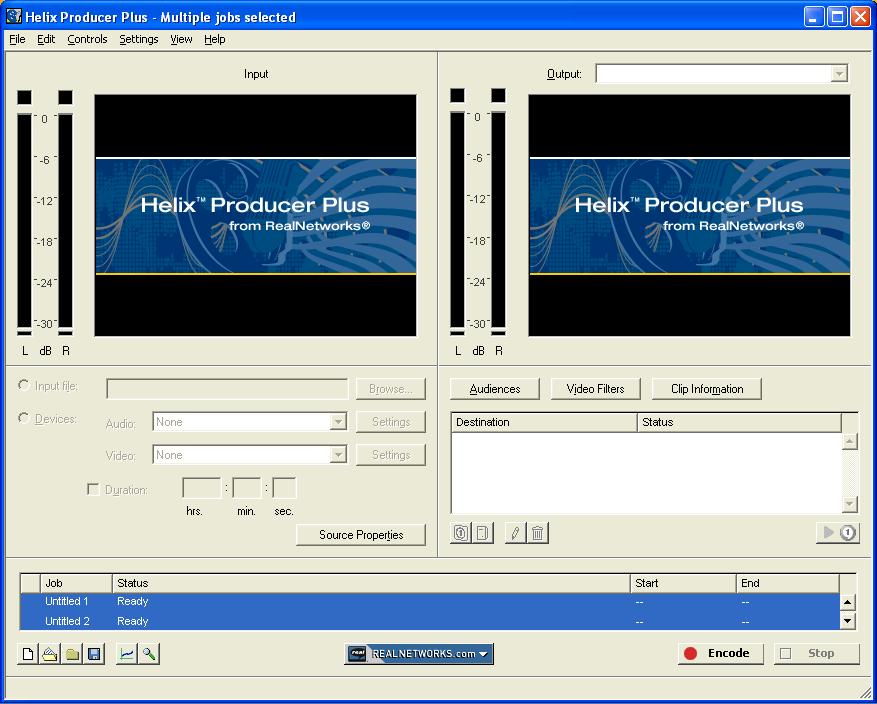
Maybe it's just me, but if I try to encode more than 20 files at a time, my Helix Producer will crash. Just a warning.
Peace
SZA
