
Downloading Mods:
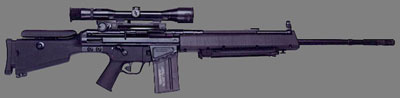
When downloading mods you save the mod to your SOF2 game file. So what you do is go into the download thing and start then click SAVE from there go to your c: drive folder then you will go to the program file. After that you will find your SOF2 file go into that. Then go into the file named base. When in that you go to MP file and that is were you will save the file. Then you must unzip the file to the mp file. Then just go in and play the game with your new mod.
Downloading Maps:
When Downloading new maps do not save them to any desk top or any other folders. When saveing them save them by clicking downloading then going into c
drive. Then go into program files. then go into your game SOF2 game file. Then in that file go into base and save the file there then you must go into the base file and unzip the map from the file to the base file. your all done go in and play themap that you downloaded.
